Why Animation Maker Apps Are So Popular in 2025
The demand for animation has exploded in recent years. From YouTube channels and TikTok reels to educational videos and business promotions, animation helps communicate ideas in a creative, engaging way. What once required expensive software and high-end computers can now be done right on your smartphone. Modern animation apps offer powerful features like keyframe control, layer editing, and visual effects — making it possible for anyone to create professional-quality videos without technical training.
Whether you’re a teacher explaining a science concept, a student working on a project, or a content creator designing eye-catching visuals, animation maker apps provide a fast and easy way to make your ideas stand out.
Here are five excellent animation maker apps you can consider, each with different strengths depending on your goals. I’ve included key features, strengths & weaknesses to help you pick what fits you best.
1. FlipaClip; animation maker

animation maker; flipa click


What it is
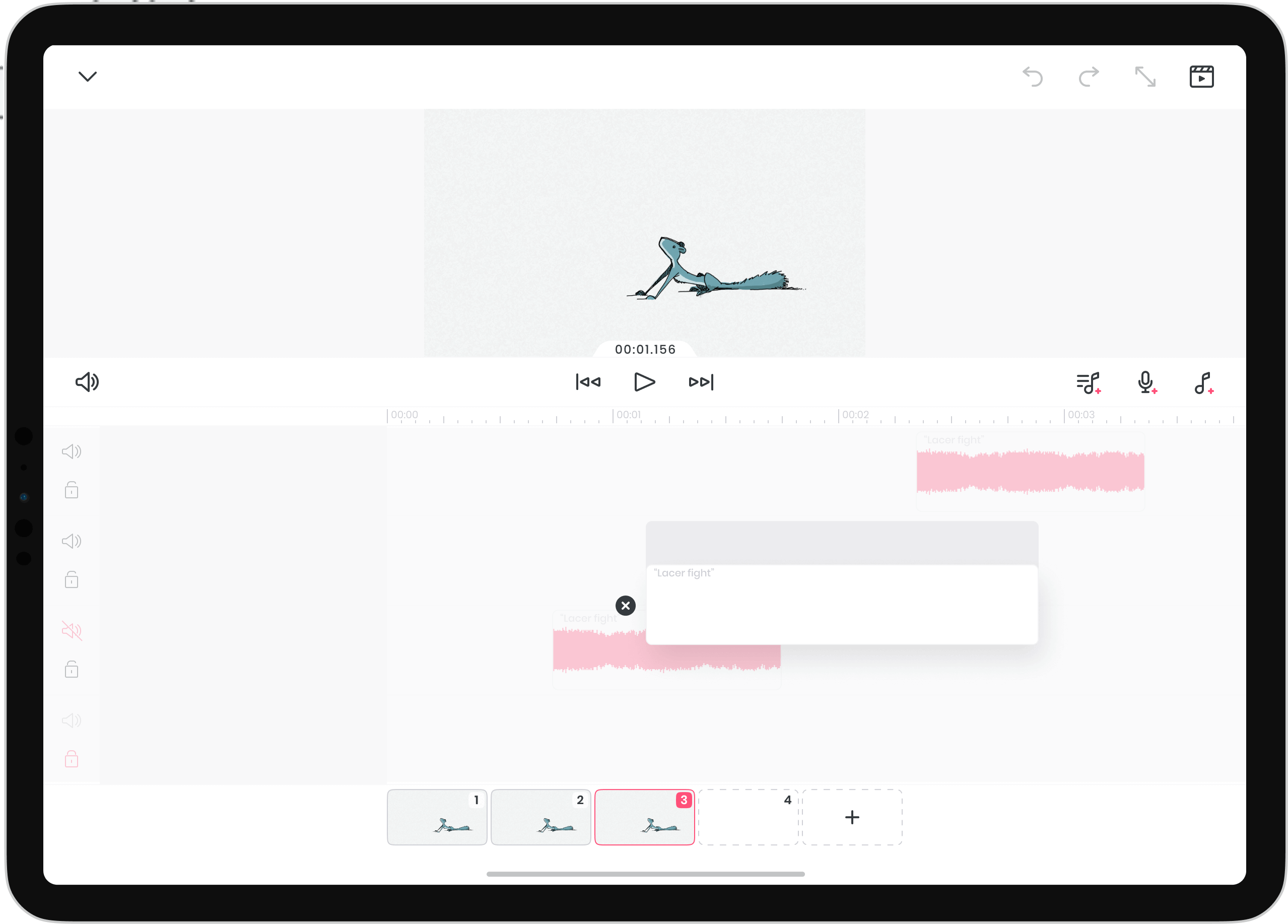
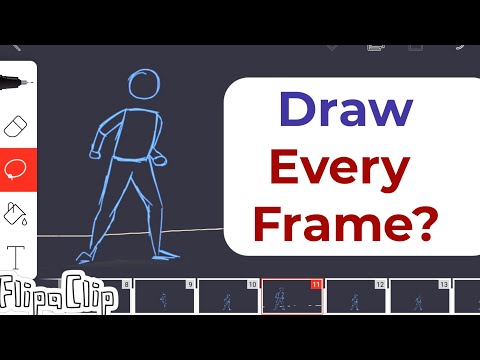
A mobile app focused on frame-by-frame 2D animation (like a digital flipbook). (flipaclip.com)
Why you might like it
- Simple interface: good for beginners and hobbyists.
- Has onion-skin (see previous/next frames) to support smooth motion. (flipaclip.com)
- Available on Android and iOS. (Google Play)
Things to be aware of - It’s more suited for hand-drawing style animations rather than advanced motion graphics.
- Free version may have limitations (layers, export options) in comparison to paid tier.
Best for
Content creators doing hand‐drawn or sketch style animations, educators teaching basic animation, YouTube intros with drawn motion.
2. Animation Desk
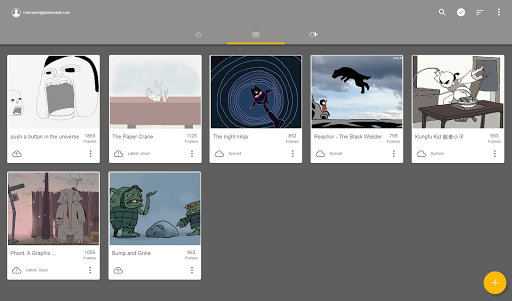
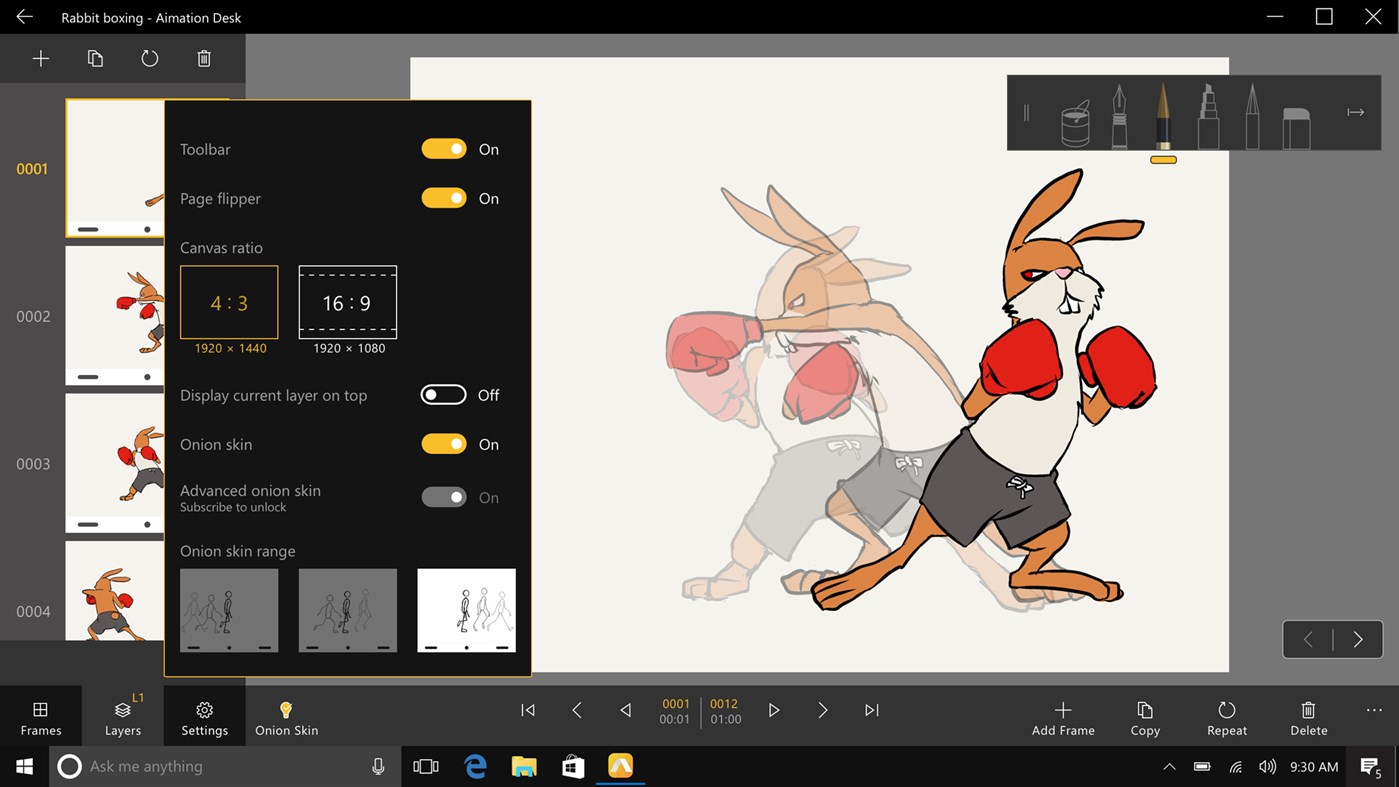
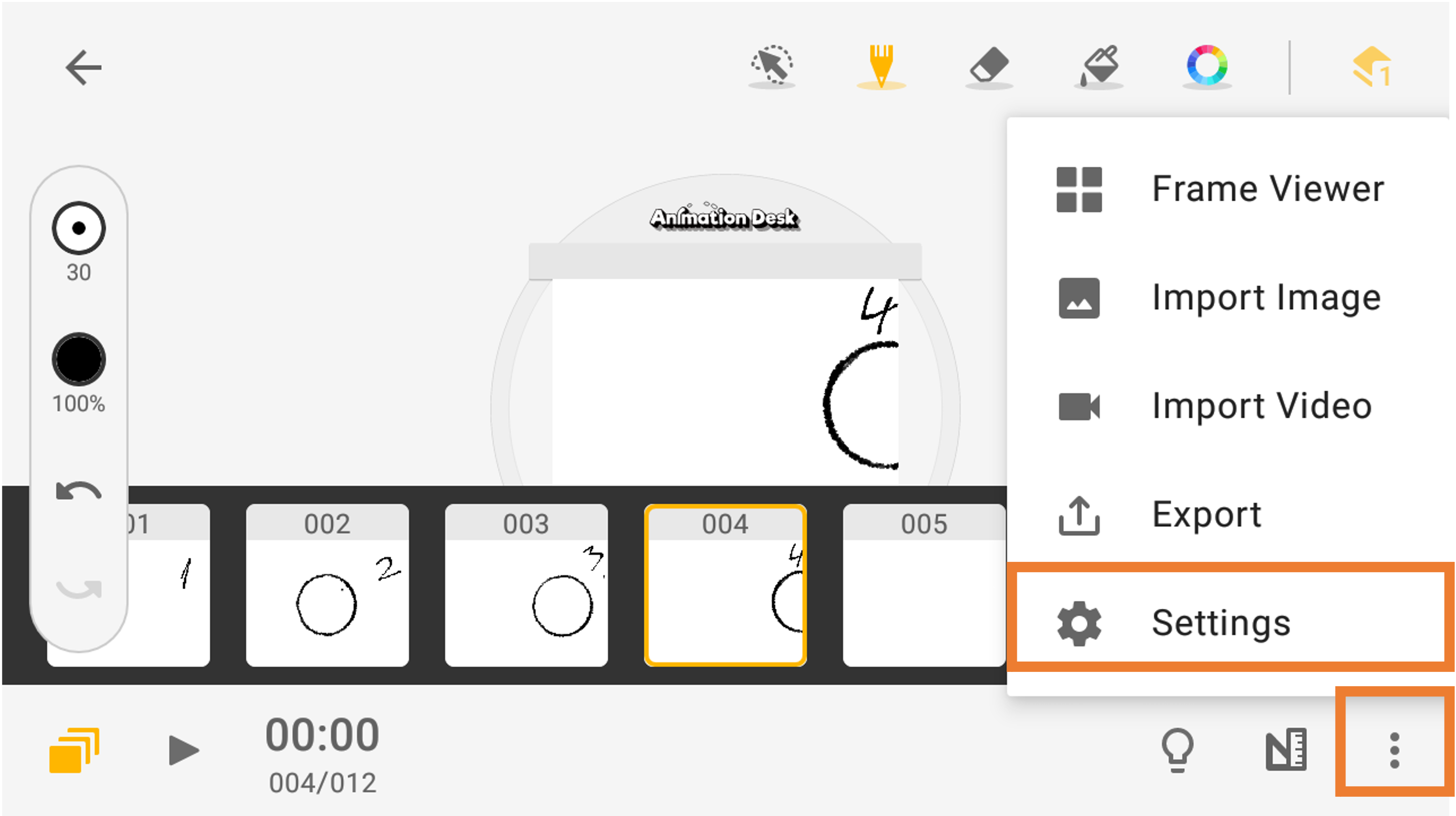
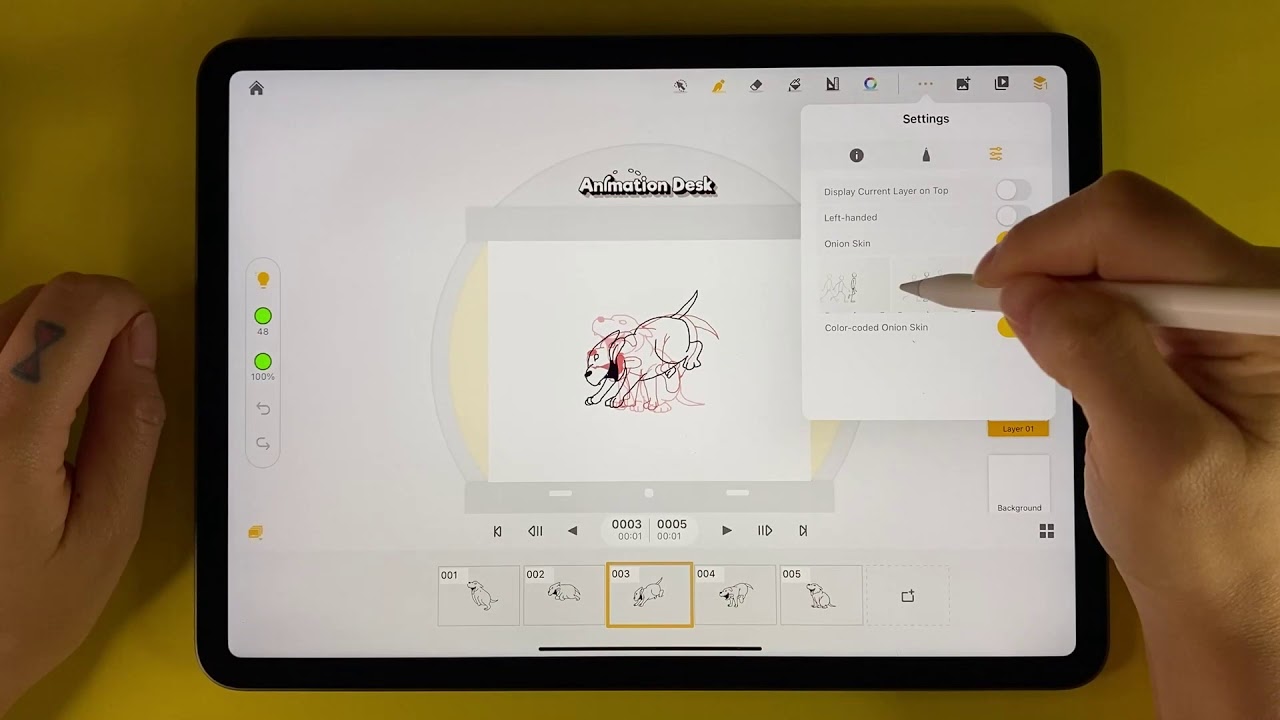
What it is
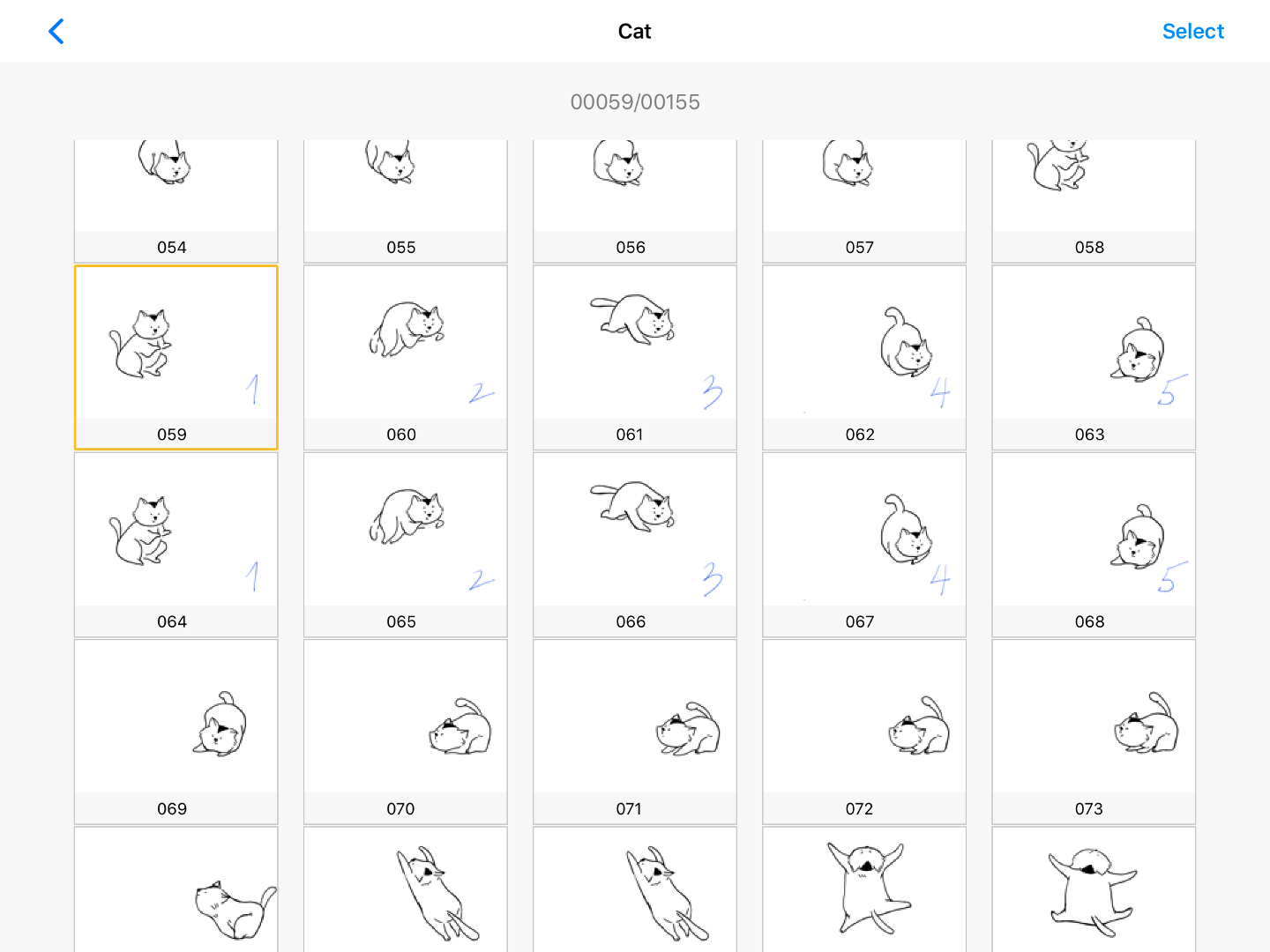
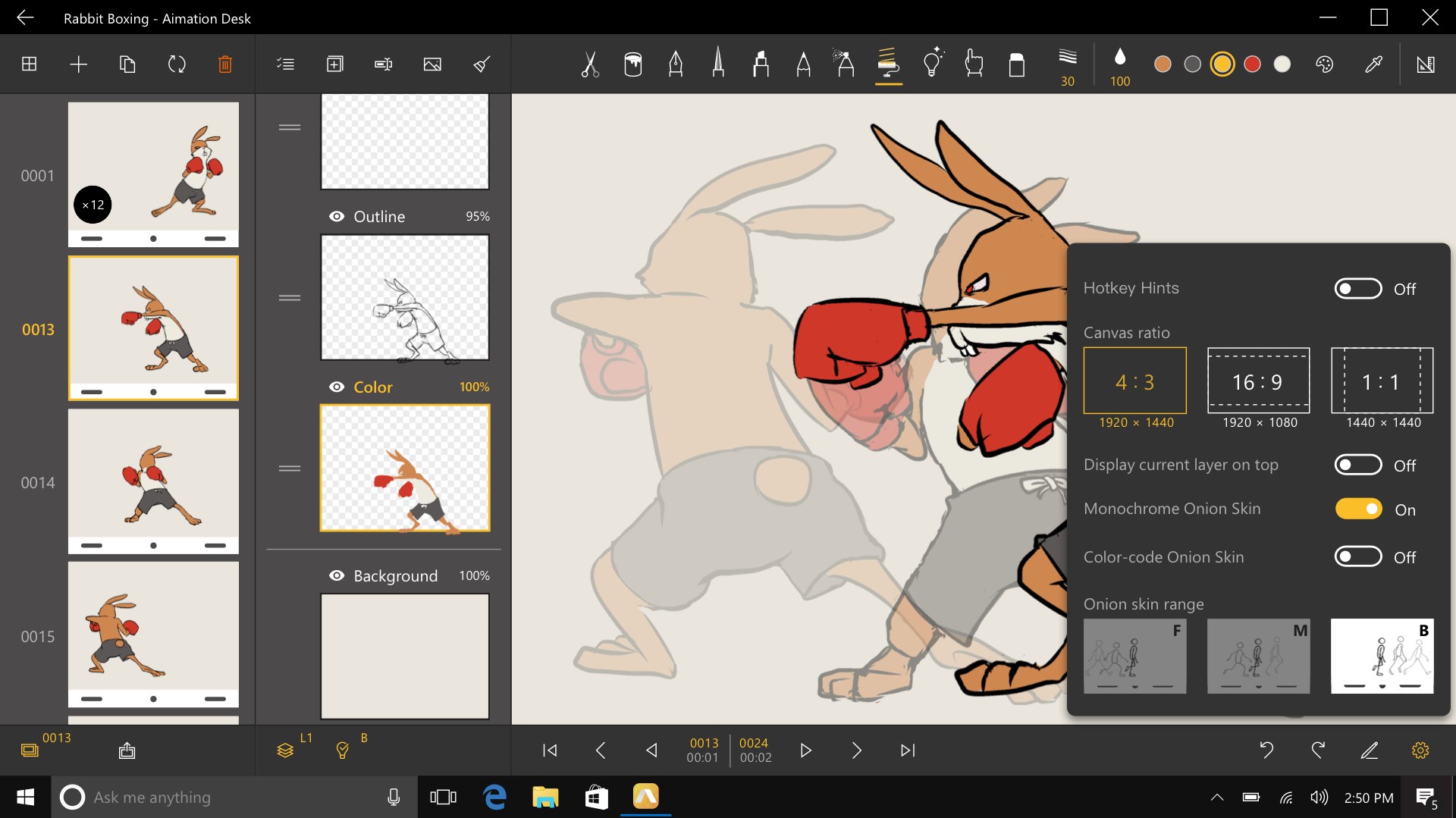
An app that allows you to draw/animate frame-by-frame, basically mobile sketch/animation tool. (Apple)
Why you might like it
- Accessible for mobile/tablet use, good for quick sketches and animations.
- Works well for educational and casual animations.
Things to be aware of - Less powerful than full desktop animation software (rigging, advanced compositing may be missing).
- May require more manual effort if you’re used to template-based or motion-graphics workflows.
Best for
School projects, quick animations for your blog or YouTube channel, hand-drawn style work.
3. Adobe Animate (and related tools via Adobe Express)

What it is
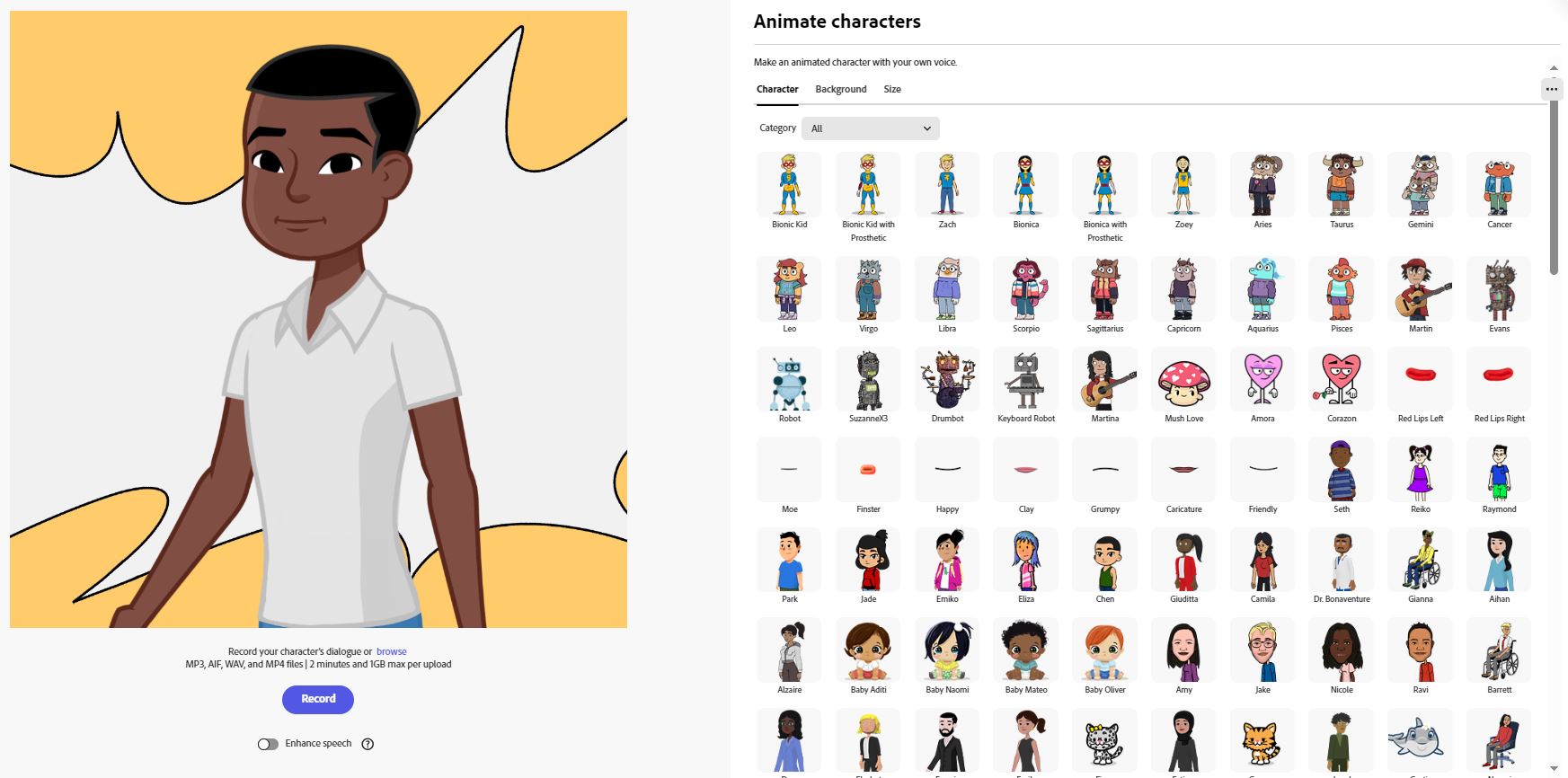
Professional animation software (Adobe Animate) plus more accessible tools like Adobe Express for character animation and video. (learn.g2.com)
Why you might like it
- Very powerful: supports complex animations, vector graphics, interactive output.
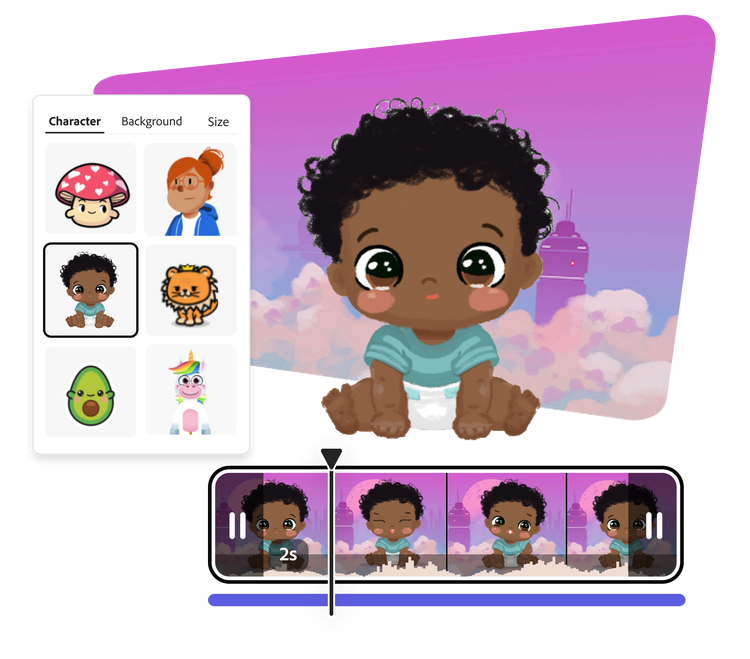
- Adobe Express adds easy character animation from audio, mobile/web friendly. (adobe.com)
Things to be aware of - Have to invest time to learn if you’re new.
- Premium software often costs more.
Best for
If you’re serious about high-quality animations, want to publish professionally (e.g., for your YouTube channel, or as part of your physics blog, or educational content), this could be a strong tool.
4. Alight Motion


What it is
A mobile app combining motion graphics + animation + video editing. (Yum Yum Videos)
Why you might like it
- Keyframe animations: you get more control over motion, timing.
- Good for motion graphics, animated text, dynamic video pieces.
Things to be aware of - Might have a steeper learning curve compared to very simple apps.
- On mobile, may be more constrained than desktop tools.
Best for
YouTube intros/outros, animated banners for your website, social media animations for your physics blog or YouTube channel.
5. Animaker

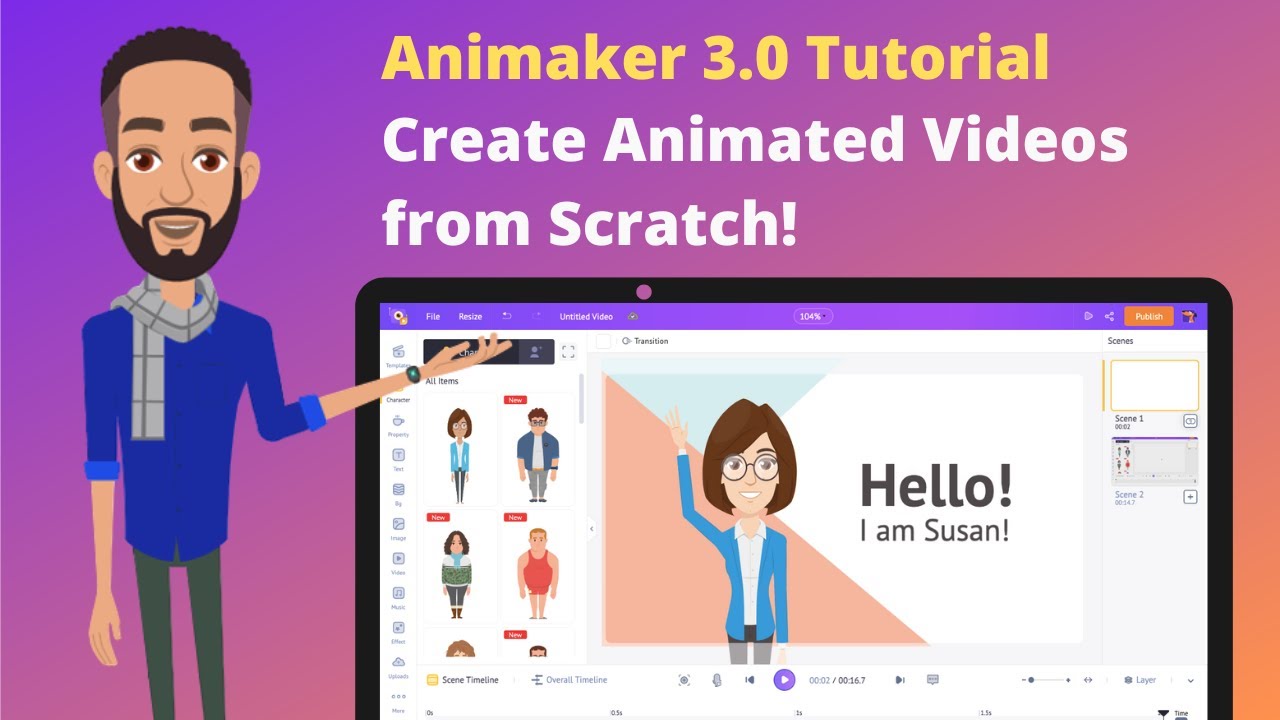
What it is
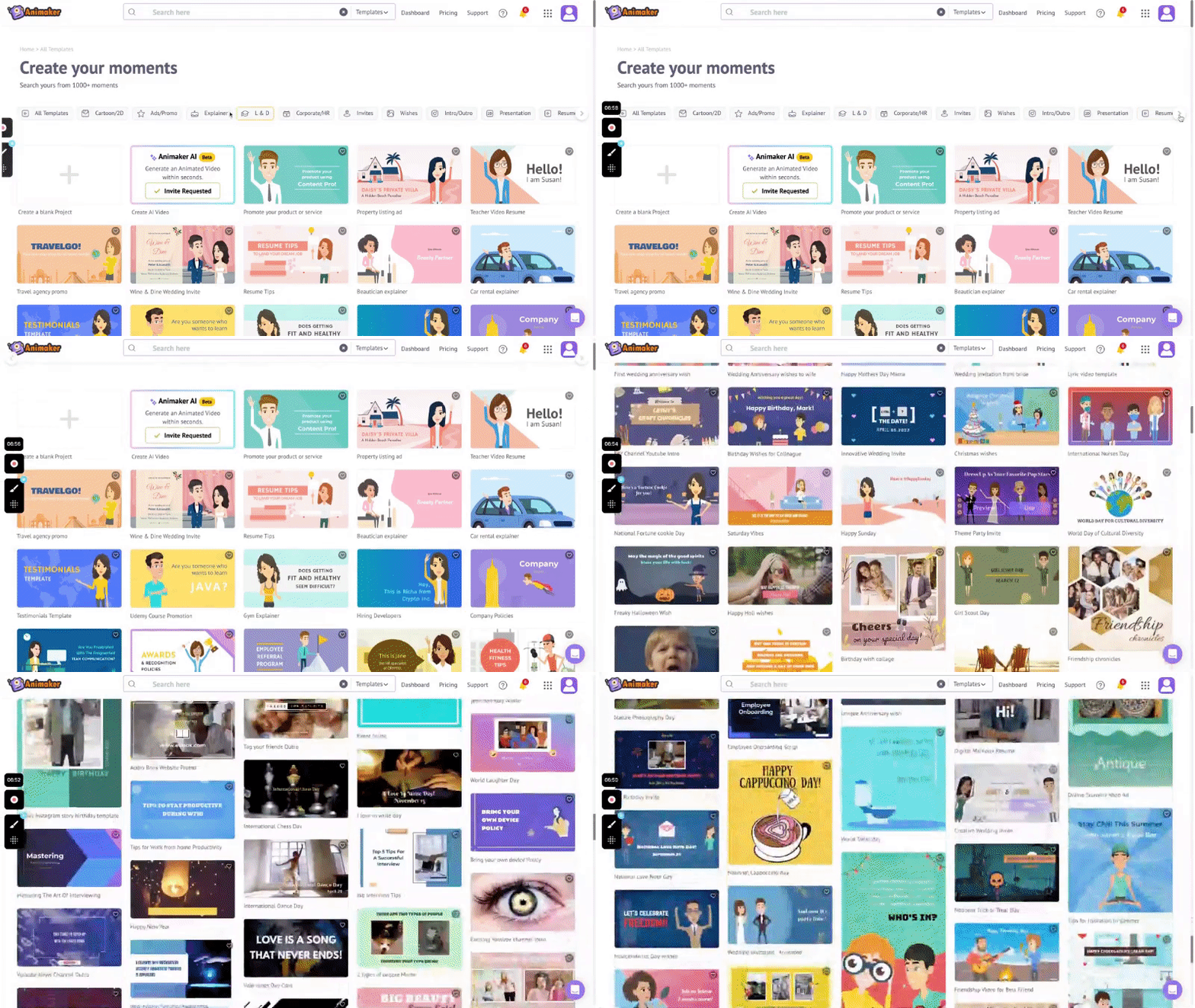
A web-based (and sometimes mobile) platform for building animated videos using templates, characters, etc. (Animaker)
Why you might like it
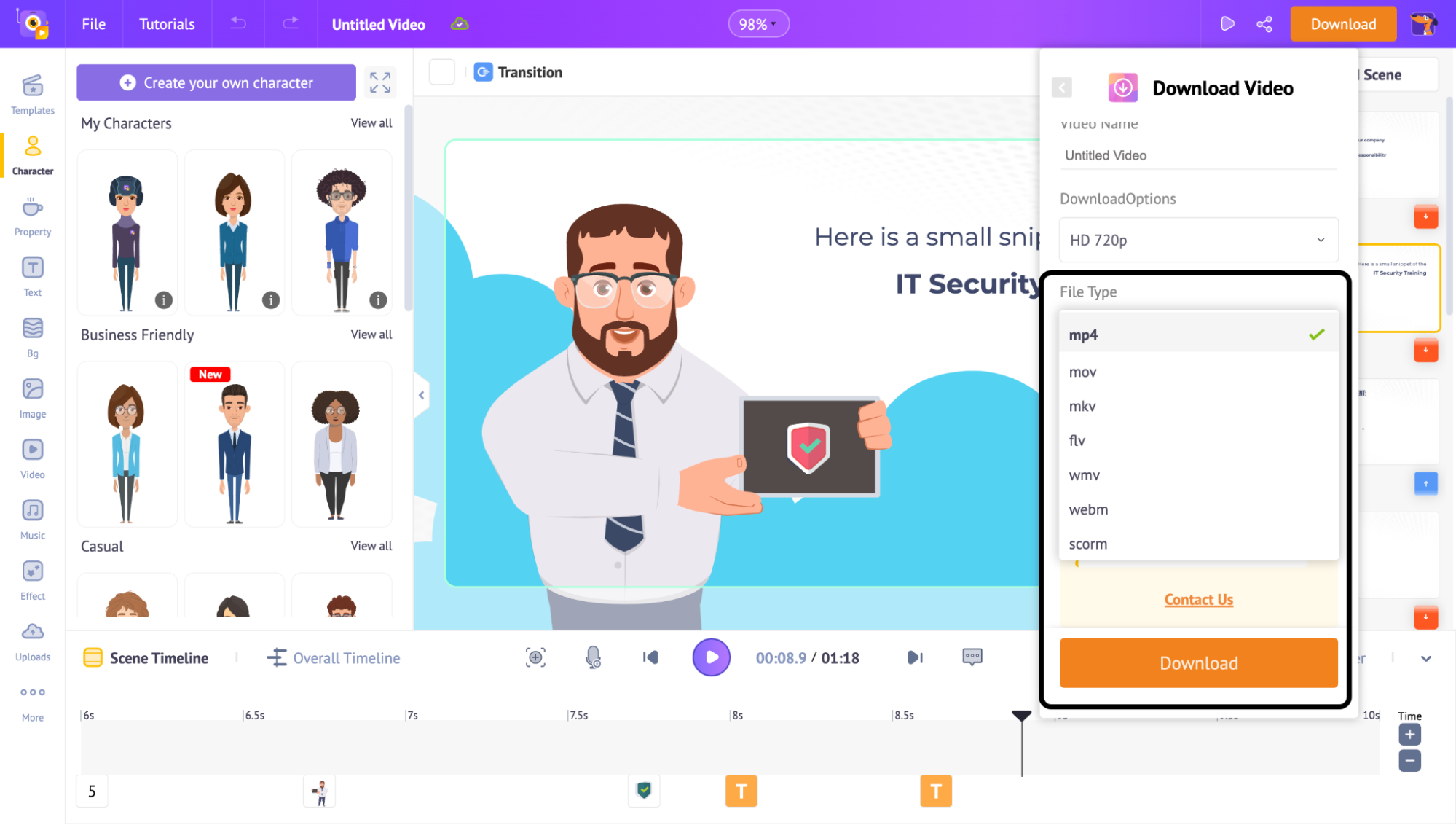
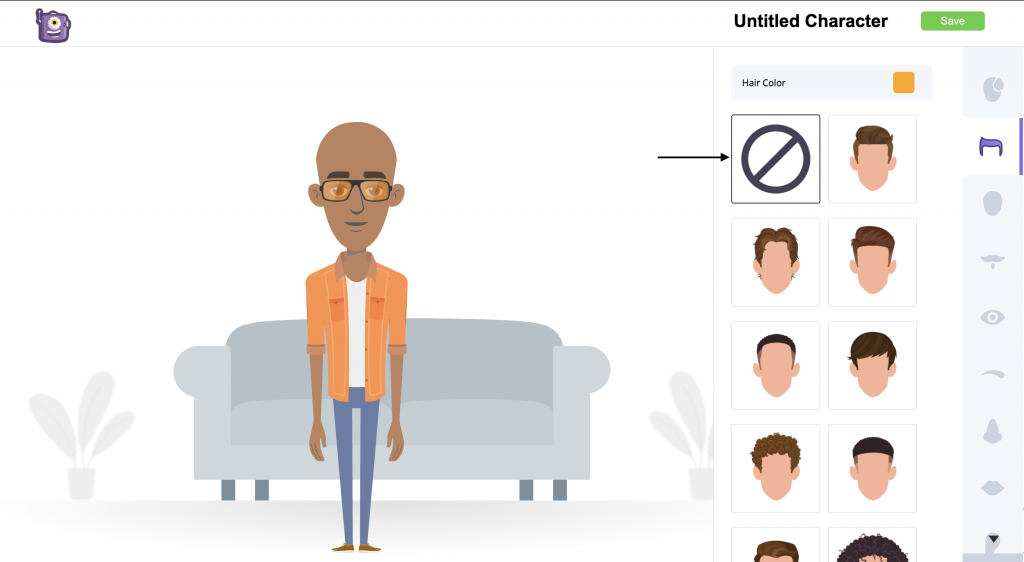
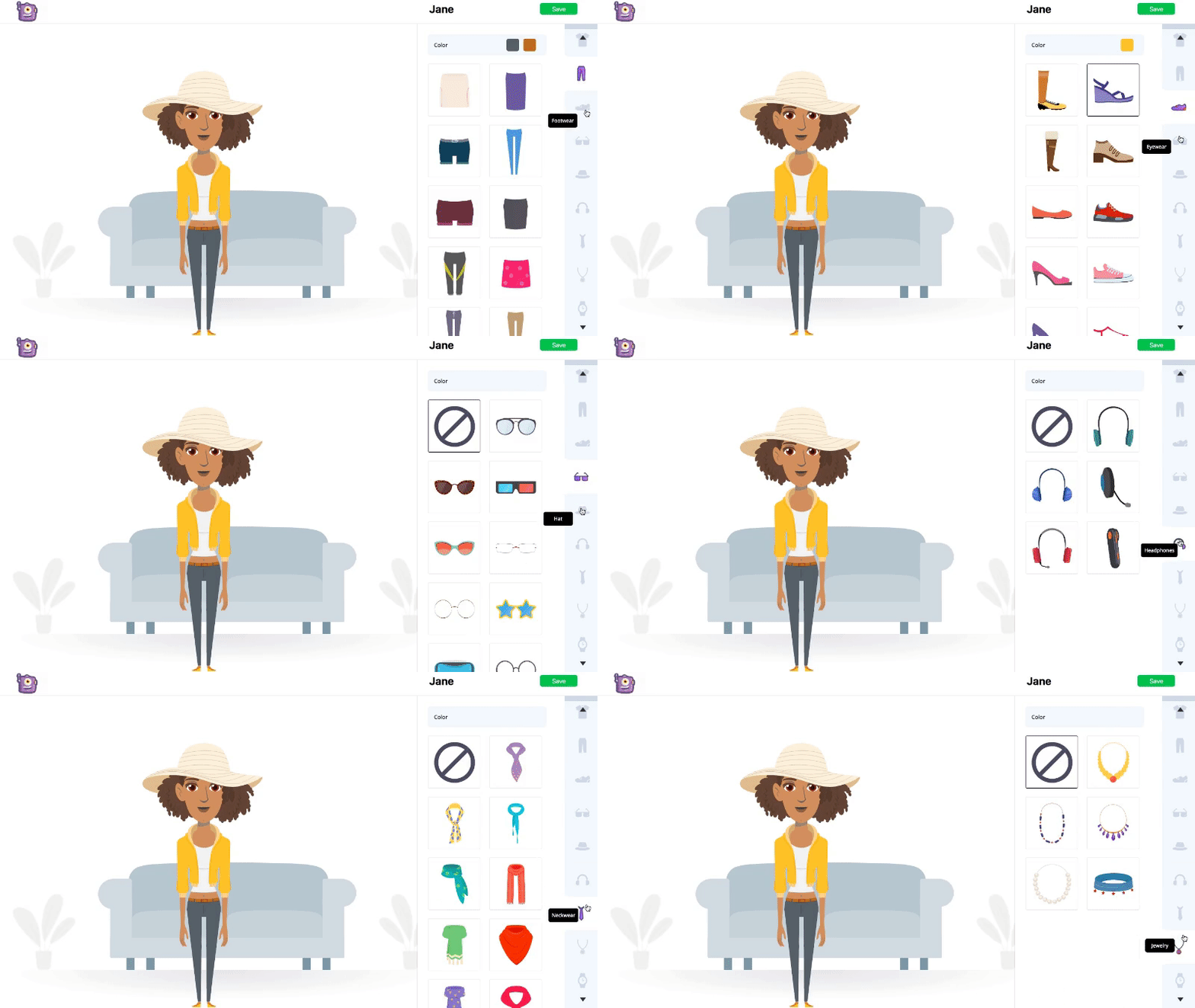
- Lots of built-in assets (characters, props, stock media) which speeds up production.
- Good for explainer videos, educational content — which seems aligned with your blog/YouTube interests.
Things to be aware of - While fast, you might have less “hand-craft” for animations compared to drawing frame-by-frame.
- Free plan may limit export quality and have watermarks.
Best for
Educational explainers (physics concepts on your blog/YouTube), social media animations, quick animated visuals without deep drawing skills.
If you want hand-drawn style or sketch animations, go with FlipaClip or Animation Desk.
If you want motion graphics / animated text / YouTube intros, pick Alight Motion or Animaker.
If you want professional full-animation capability, go with Adobe Animate + Express.
Consider your time: simpler tools mean quicker content.
Consider export needs: if you want HD, no watermark, good audio — check the paid tiers.
Consider device: mobile/tablet vs desktop.
Why Animation Maker Apps Are So Popular in 2025
The demand for animation has exploded in recent years. From YouTube channels and TikTok reels to educational videos and business promotions, animation helps communicate ideas in a creative, engaging way. What once required expensive software and high-end computers can now be done right on your smartphone. Modern animation apps offer powerful features like keyframe control, layer editing, and visual effects — making it possible for anyone to create professional-quality videos without technical training.
Whether you’re a teacher explaining a science concept, a student working on a project, or a content creator designing eye-catching visuals, animation maker apps provide a fast and easy way to make your ideas stand out.